How to Spot Fake Electronics Used in Saudi Arabia

Buying a used phone, laptop or games console can save you real money in Saudi Arabia — but a counterfeit or stolen device can cost you far more. The quickest way to spot fake electronics when buying used in Saudi Arabia is to match the serial number or IMEI across the device, box and invoice, test every function in person, and confirm the item isn't locked to someone else's account. Do those three things and you've already filtered out most scams.
Here's the full, practical checklist to flag fakes before you hand over any cash. It's grounded in Ministry of Commerce consumer guidance and the verification steps experienced buyers across the Kingdom rely on.
Why fake and faulty used electronics are a real risk here
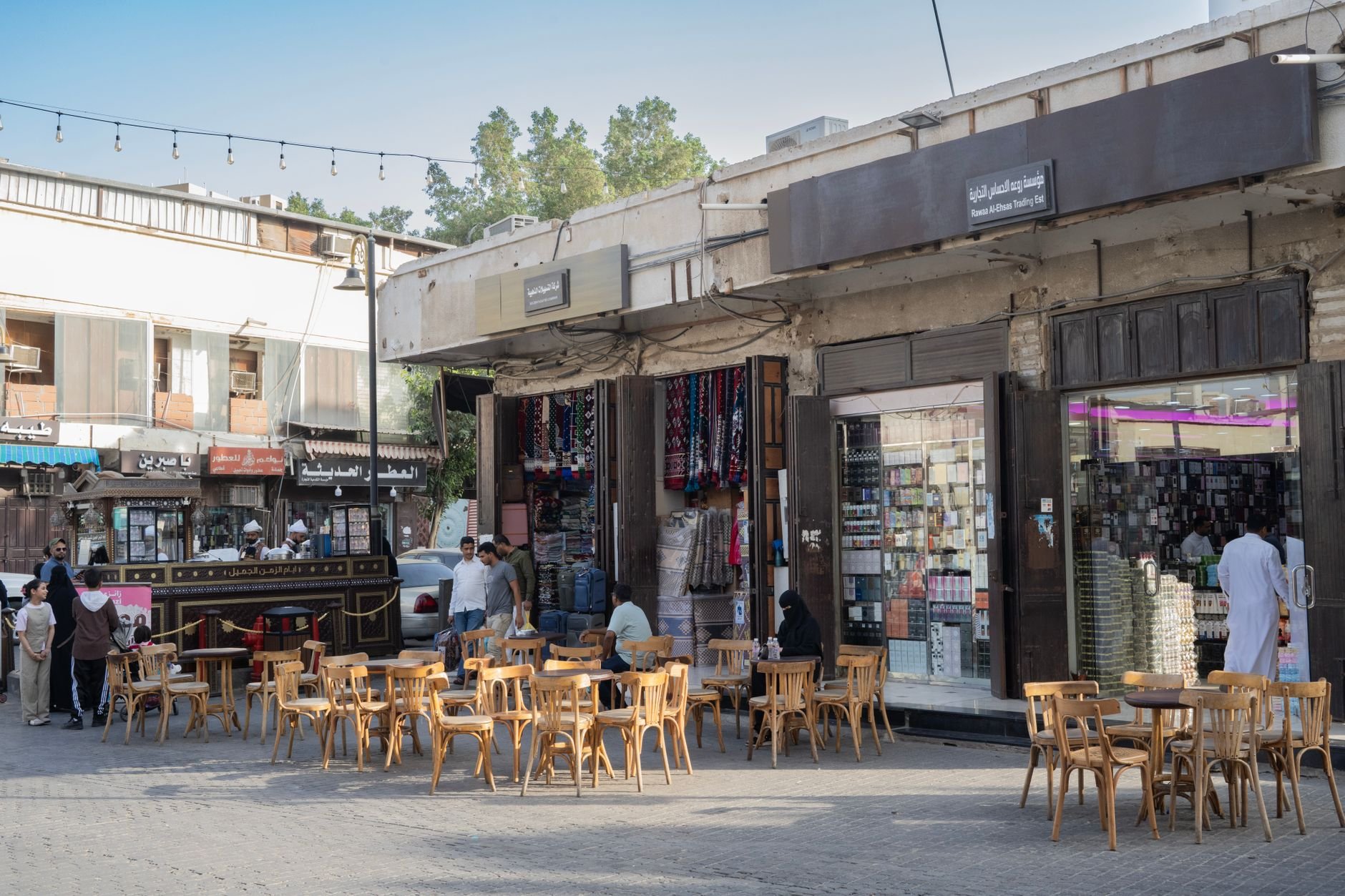
The second-hand market in Riyadh and Jeddah — and across cities like Dammam — is huge and mostly legitimate, but it attracts its share of counterfeits, refurbished units sold as new, and devices that are locked, financed or reported stolen. The good news: a few minutes of checks will flag almost all of them. Treat the sale like a mini-inspection, not a favour to a friendly seller.
Before you pay: verify the seller and the paperwork
Check the seller's details
If you're buying from a shop, verify its commercial registration and business details before you pay. A registered business is far easier to hold accountable later. For private sellers on classifieds apps, ask for ID and proof of ownership — a genuine seller won't refuse basic verification.
Ask for an original invoice
Request the original invoice showing the seller, the exact model, the serial number, the price, VAT, and warranty terms. This single document is your anchor for everything else. No invoice, no paper trail — and no way to claim your rights if the device turns out to be fake.
Verify serial numbers and IMEI
This is the most important step, so don't skip it. The serial number or IMEI should match in four places: the device itself, the box, the invoice, and the manufacturer's verification service.
- Phones: dial *#06# to display the IMEI on screen. Compare it to the IMEI printed on the box and in the phone's settings menu. Do not buy if any of these are missing, altered, scratched off, or inconsistent.
- Apple devices: check the serial number and coverage status through Apple's official service, and confirm Activation Lock is off.
- Samsung and other brands: verify the warranty and serial number through the manufacturer's Saudi support channel.
Also confirm the model is actually intended for the Saudi market — it should support Saudi network bands, use a compatible charger, and carry the required conformity markings. Grey-market imports often won't.
Spot the physical tell-tale signs of a fake
Counterfeits and tampered units usually reveal themselves if you look closely:
- Seals and screws — stripped screws or broken seals suggest the device has been opened.
- Ports and labels — misaligned ports, crooked labels, or glue residue are warning signs.
- Fonts and logos — fakes often get the brand font, spacing or logo slightly wrong.
- Holograms — check they're genuine and not a flat printed sticker.
- Software language and menus — the system software should look clean and in standard languages, not a clumsy custom build.
- Packaging — blurry printing, cheap card, or spelling mistakes on the box are classic counterfeit giveaways.
Test everything before handing over cash
Meet in a safe, public place with power and Wi-Fi — a mall or a cafe works well — and run through every function with the seller present:
- Battery health and charging (plug it in and watch it charge).
- Cameras, microphones and speakers.
- The screen (look for dead pixels, burn-in or touch dead zones) and all buttons.
- Biometric features — Face ID, fingerprint.
- Wi-Fi, Bluetooth and cellular service — insert a SIM and make a call.
- Finally, ask the seller to perform a factory reset in front of you.
A seller who rushes you, refuses testing, or insists on a sealed box that "can't be opened" is a seller to walk away from.
Make sure the device isn't locked, lost or financed
A device can look perfect and still be unusable. Confirm it is not:
- Linked to another iCloud, Google or Samsung account.
- Remotely locked or showing Activation Lock.
- Still under a finance/installment plan.
- Reported lost or stolen.
The factory reset you watched earlier is the real test here — if the device asks for someone else's account after the reset, stop the sale immediately.
Know your warranty and consumer rights in Saudi Arabia
Warranty on used electronics
Electrical and electronic products generally carry a minimum two-year warranty under the Ministry of Commerce consumer guide. For used electronics sold by a business, check the agreed warranty period carefully. The legal warranty on second-hand goods may be shortened only by agreement — and not below one year. Confirm whether the seller is offering a legally applicable warranty or just a separate voluntary one.
Also get a short written statement from the seller that the item is genuine, legally owned, and free of undisclosed defects. It costs nothing and protects you enormously.
Online purchases and the 7-day withdrawal period
If you buy online, the general withdrawal period is seven days from receipt — provided you haven't used or benefited from the product, and subject to the usual statutory exceptions. And remember: a private seller writing "no returns" does not remove your rights when it comes to counterfeit goods, fraud, or undisclosed defects.
What to do if you've been sold a fake
If you discover the device is counterfeit or you were defrauded, don't throw anything away. Keep the product, the invoice, the payment record, your chat messages, photos, serial numbers and the seller's details.
Then raise a complaint:
- Open the Ministry of Commerce Commercial Report application and log in through Nafath.
- Select a new report, and identify the store or online store involved.
- Describe the violation clearly and attach your evidence.
- Track the case electronically through the app.
There's no official Saudi fee for submitting a commercial report. You can also call the Ministry of Commerce unified number 1900 for consumer and commercial complaints. For a counterfeit or fraudulent product, you can request a refund while retaining the product and all your evidence.
Red flags checklist before you buy
- Cash payment demanded with no invoice or documentation.
- A price that's unusually low for the model.
- Missing or refused invoice.
- Altered, missing or inconsistent IMEI/serial numbers.
- A sealed box the seller won't let you open and inspect.
- A seller who refuses identity or ownership verification.
If two or more of these appear, walk away. There's always another listing.
Ready to shop smart? Browse genuine listings and compare prices on the Saudi Living classifieds hub before you meet a seller.
FAQs
How do I check if a used phone is genuine in Saudi Arabia?
Dial *#06# to show the IMEI, then match it against the box, the invoice and the phone's settings menu. For iPhones, check the serial number and Activation Lock status through Apple's official service; for Samsung and others, verify through the manufacturer's Saudi support channel.
Is it safe to buy used electronics from classifieds apps?
Yes, if you take precautions: verify the seller's ID and ownership, insist on an original invoice, meet in a public place, test every function, and watch a factory reset before paying.
Do I have a warranty on second-hand electronics?
Electrical and electronic products generally carry a minimum two-year warranty under the Ministry of Commerce consumer guide. For used items sold by a business, the legal warranty can be shortened by agreement but not below one year. Confirm the exact terms in writing.
Can I return a used device if it turns out to be fake?
Yes. A "no returns" claim does not remove your rights regarding counterfeit goods, fraud or undisclosed defects. Keep all evidence and request a refund, and file a complaint if the seller refuses.
How do I report a counterfeit electronics seller?
Submit a report through the Ministry of Commerce Commercial Report application, logging in via Nafath, selecting a new report, identifying the store, describing the violation and attaching evidence. You can also call the unified number 1900. There's no official fee.
What's the biggest red flag when buying used electronics?
An altered or missing IMEI/serial number, or a seller who won't let you open and test the device. Either one is a reason to stop the sale immediately.
Stay updated with the latest news, events, sports updates, business insights, real estate and lifestyle stories on Saudi Living — the leading online platform for residents, expats, and visitors in Saudi Arabia.
Follow Saudi Living for daily updates:
- Instagram - @saudiliving
- X - @saudiliving
- Facebook - @saudiliving
- YouTube - @saudiliving
Up Next
Getting Around Dumat Al Jandal: Transport Guide
Your practical guide to transport in Dumat Al Jandal: private cars, UberX, taxis, car rental, and airport access from Al-Jouf International Airport.
Nov 13,2026
Cost of Living in Arar: A Practical Guide
A practical guide to the cost of living in Arar, Northern Borders: housing, groceries, transport, utilities and tips for residents and expats.
Nov 13,2026
Moving to Al Bahah: What to Know Before You Arrive
A practical Saudi Living guide to moving to Al Bahah: transport, housing, mountain roads, key sites, and the government platforms you'll need.
Nov 13,2026
Living in Baljurashi: A Newcomer's Guide
A practical newcomer's guide to living in Baljurashi in the Al Bahah region: services, utilities, parks, markets, and nature to explore.
Nov 13,2026Related Stories




Don't Miss Similar Listings
Be the first to know when new stories on this topic are published.