
Paying Traffic Fines: Najm vs Absher Explained
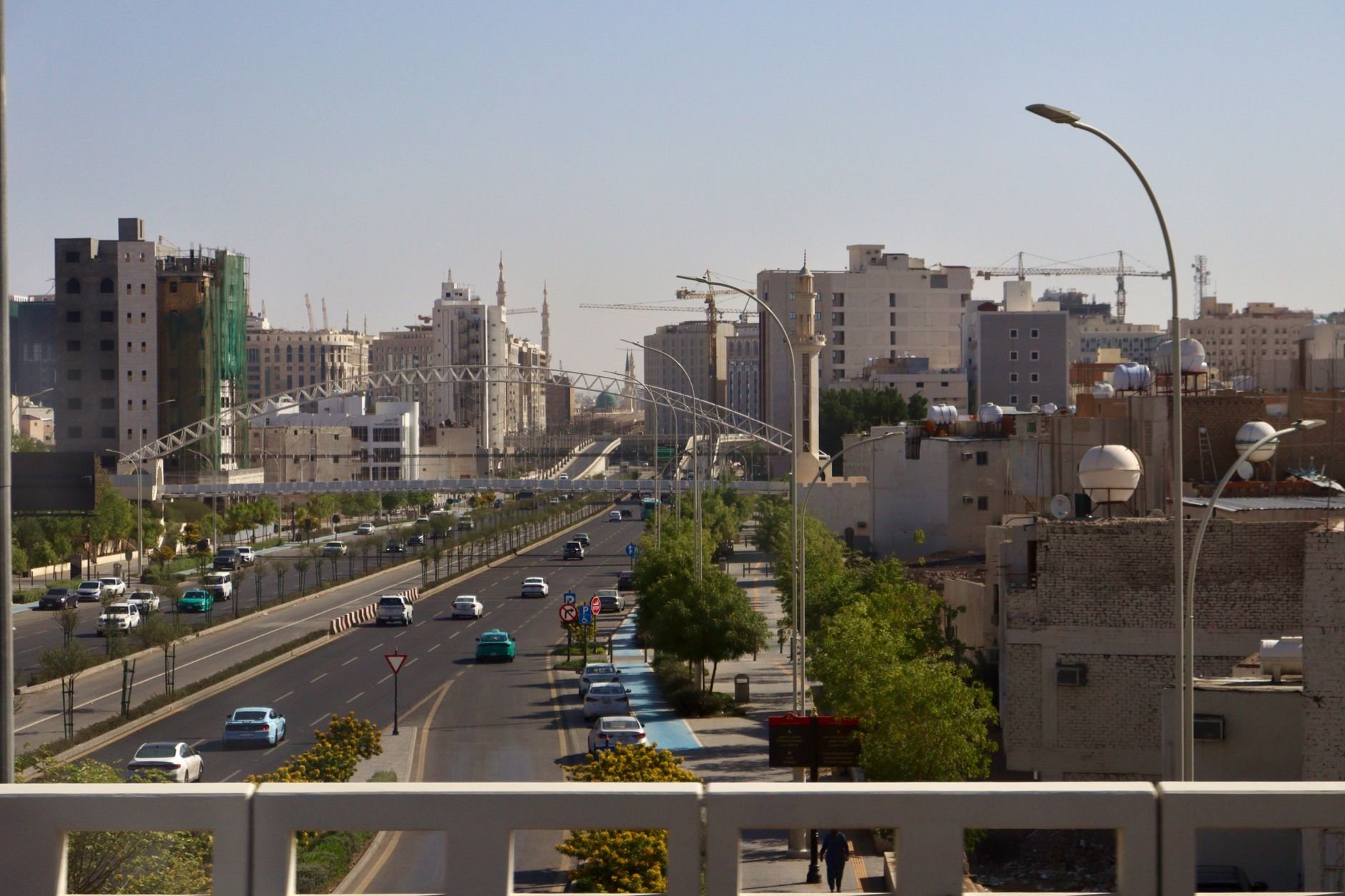
One of the most common points of confusion for drivers in Saudi Arabia is where exactly to pay traffic fines — and what role each platform plays. Many people assume نجم is where they settle their violations, but that is not the case. In this سعودي ليفنج guide, we clear up the difference between نجم and أبشر, and walk you step by step through paying traffic fines quickly and correctly in 2026.
What Najm actually does (and does not do)
نجم does not collect or process payment of traffic fines. Its role is focused on traffic accident reporting and determining the fault percentage for insured vehicles. Once an accident is documented, its record may appear in the wider traffic systems, where any resulting fines or liabilities are handled separately.
So if you had an accident, نجم is the right channel for the report and fault assessment — but when it comes to paying an actual violation, you will use أبشر or your bank's SADAD channels.
Objecting to an accident fault percentage
If you disagree with the fault percentage registered against you by Traffic or نجم, the objection is not filed with your insurer directly. Instead:
- Log in to أبشر and open the Traffic services section.
- Use the service that allows you to waive a traffic accident or object to the accident percentage.
- Submit your objection through that service and follow its status electronically.
Paying traffic fines through Absher (residents)
For residents and citizens, أبشر is the most direct route. Here is the typical sequence in 2026:
- Open the أبشر Individuals app or website and log in with your ID and password, then confirm the one-time password (OTP).
- Go to Services → Traffic → Query Traffic Violations to view each violation with its code, date, location, amount, and status.
- Select the violation(s) you want to settle and press Pay.
- أبشر forwards you to the payment interface linked to SADAD or your card. You can pay via a SADAD-linked bank account, a mada debit card, or a credit card.
- Once payment succeeds, the violation status changes to paid, it disappears from your pending list, and an electronic receipt/reference number is stored.
Payment is posted immediately, so you do not need to wait to confirm your record is clear.
Paying through your bank and SADAD
You can also settle fines without opening أبشر, directly through any Saudi bank's channels:
- Log into your bank's mobile app or online banking (or use an ATM).
- Choose Payments → Government Payments (SADAD) → Traffic Violations / Traffic Department – Muroor, using biller code 093.
- Choose your query type — by violator ID/Iqama, violation number, or border number — and retrieve the due fines.
- Select the fine(s), confirm, and pay the exact SAR amount shown.
The system posts payment back to Muroor in real time, so your status updates without delay.
Paying as a visitor without Absher
Visitors who do not have an أبشر account are not left out. You can use the Traffic Violation Inquiry service by entering your border number, violation number, and date of birth, then complete payment through SADAD or by card via the payment gateway.
Quick tips before you pay
- Always confirm the exact amount displayed before paying — never round up or estimate.
- Keep the electronic receipt or reference number as proof of payment.
- If a violation still appears after payment, allow a short time and re-check; if it persists, verify through the official traffic portal.
- Remember: accident disputes go through نجم and أبشر's traffic objection service, while fine payment goes through أبشر or SADAD.
For any specific fees, deadlines, or discounts, always confirm the latest details directly on the official Saudi government portals such as أبشر.
Stay updated with the latest news, events, sports updates, business insights, real estate and lifestyle stories on Saudi Living — the leading online platform for residents, expats, and visitors in Saudi Arabia.
Follow Saudi Living for daily updates:
- Instagram - @saudiliving
- X - @saudiliving
- Facebook - @saudiliving
- YouTube - @saudiliving
Up Next

Converting a Foreign Driving Licence in Saudi Arabia
Step-by-step guide to converting your foreign driving licence in Saudi Arabia via Absher — requirements, medical tests, translation, fees, and appointments.
Aug 23,2026
Sponsoring Family in Saudi Arabia: Dependent Iqama Guide
How to sponsor family in Saudi Arabia in 2026: dependent iqama fees, the 400 SAR monthly levy, health insurance, and how to issue and renew via Muqeem and Absher.
Aug 23,2026
Final Exit Visa in Saudi Arabia: Process & Checklist
A practical guide to the final exit visa in Saudi Arabia: validity rules, iqama and passport requirements, dues to settle, and how to issue it online.
Aug 23,2026
Exit and Re-Entry Visa in Saudi Arabia: How to Apply
A practical guide to applying for a single or multiple exit and re-entry visa in Saudi Arabia via Absher, with 2026 fees, prerequisites, and extension steps.
Aug 23,2026Related Stories




Don't Miss Similar Listings
Be the first to know when new stories on this topic are published.


